

Documentation Index
Fetch the complete documentation index at: https://docs.amplication.com/llms.txt
Use this file to discover all available pages before exploring further.
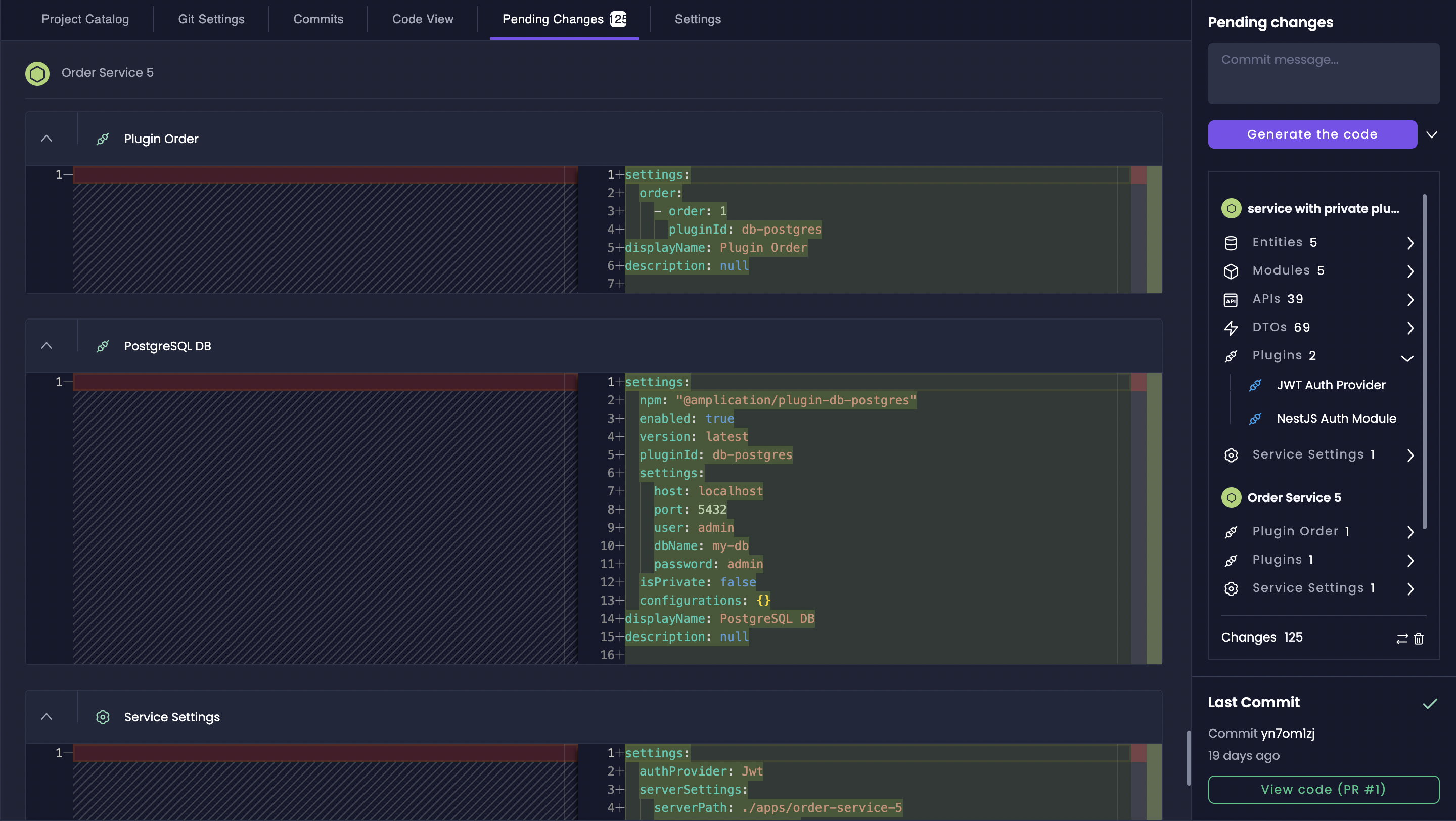
The Pending Changes feature gives you a comprehensive pre-generation review, guaranteeing you’re always in command of your resource’s generated code.
Pending Changes Sidebar
The Pending Changes sidebar provides a concise summary of all modifications awaiting code generation.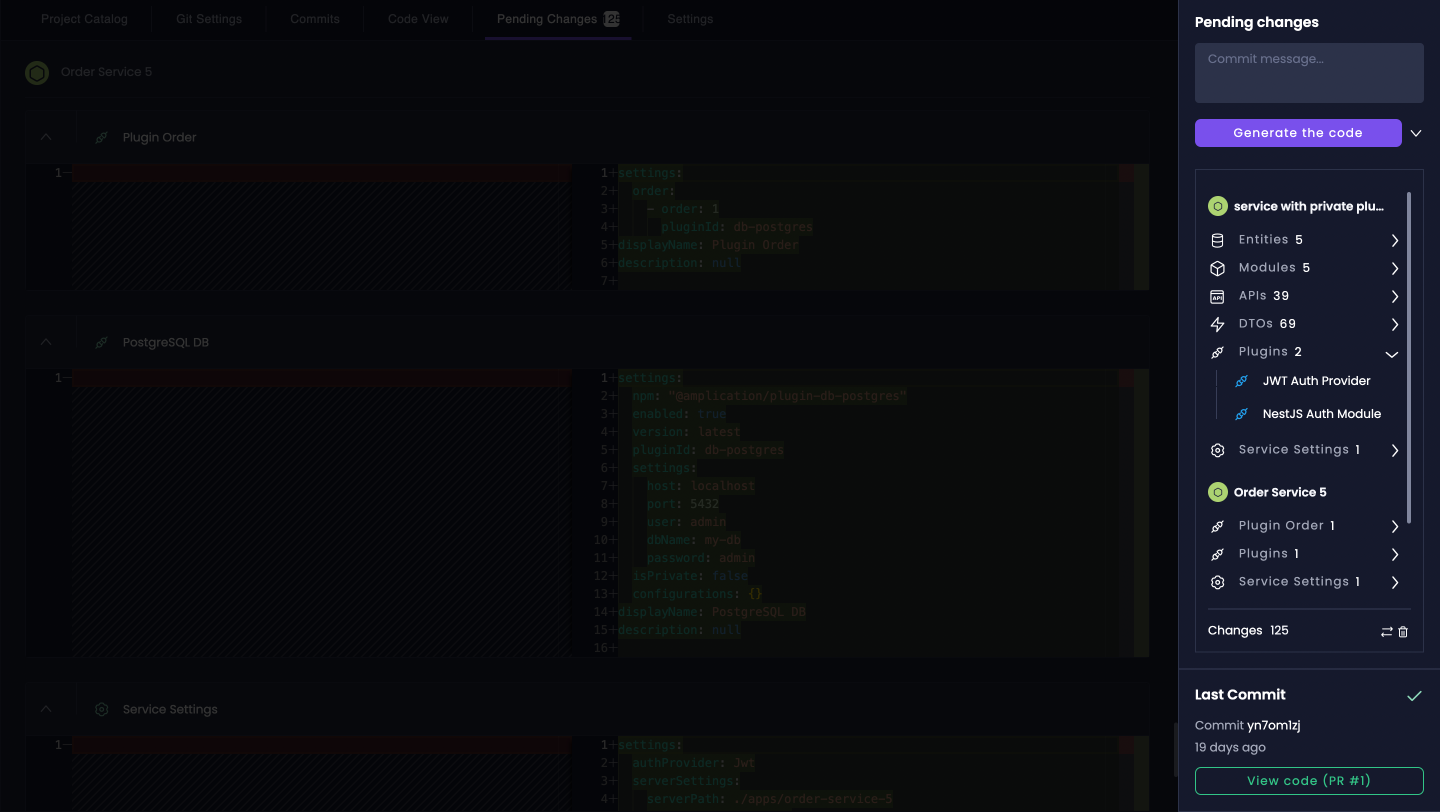
- Quick Navigation to Changes: Click on any listed change to navigate directly to its corresponding section in the Amplication UI.
- Flexible Code Generation: Generate code for specific services, all services, or only services with pending changes (default behavior).
- Commit Message Management: Enter custom commit messages or let Amplication auto-generate descriptive messages for your code generation commits.
Pending Changes Tab
For a granular examination of modifications, the dedicated Pending Changes Tab provides a code-level diff view.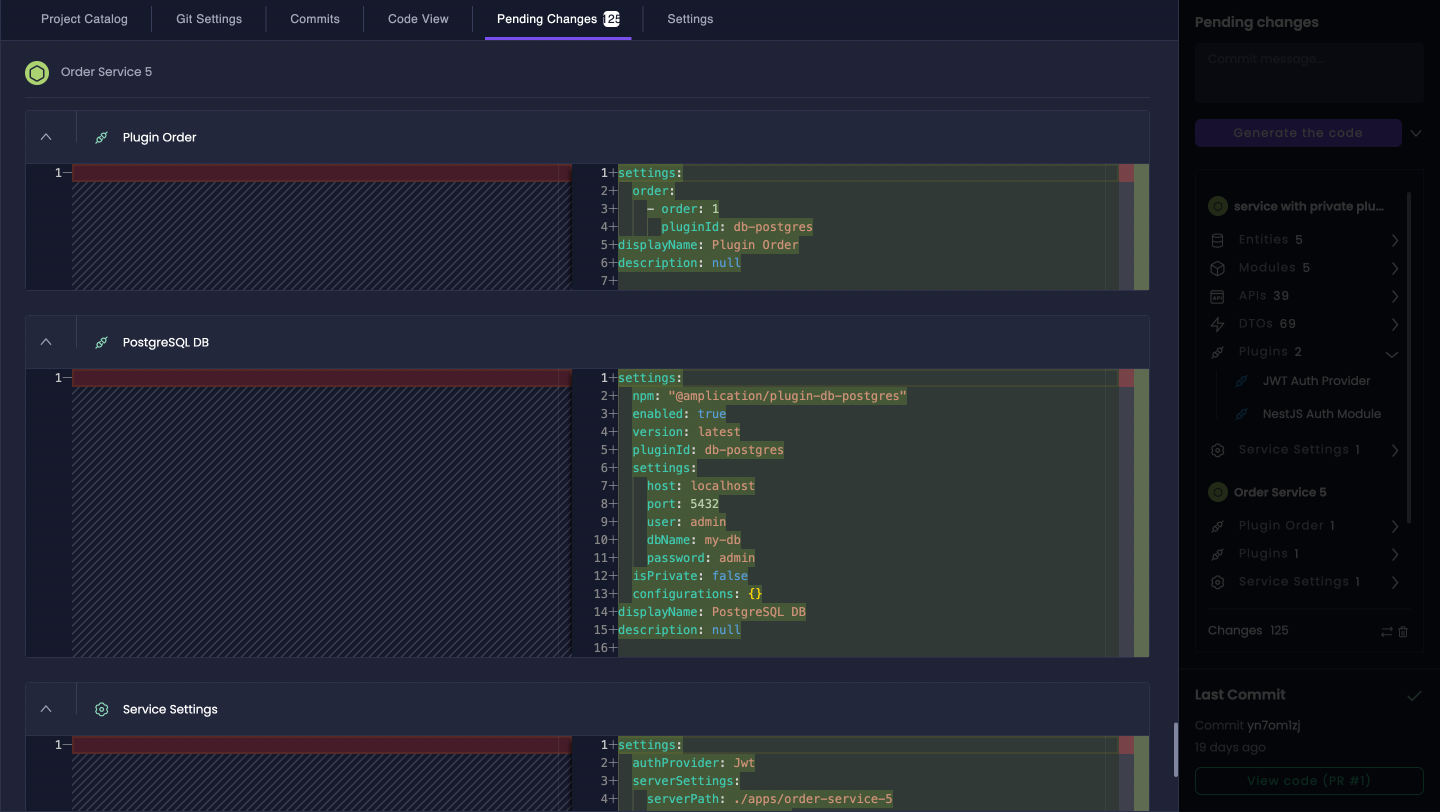
- Browse Changes by Service and Resource: Navigate through the list of services and expanded resource types (Entities, APIs, etc.) to pinpoint specific modifications.
- Examine Code Diffs: For each change, a clear and readable diff view highlights the exact lines of code or configuration that have been added, removed, or modified.
Access Pending Changes
You can access the Pending Changes view from two locations within Amplication:From the Project Catalog Sidebar
When viewing your Project Catalog, the Pending Changes sidebar is always visible on the right-hand side, offering an at-a-glance summary of current modifications.
Next Steps
After reviewing your pending changes, explore these features to enhance your development workflow:Smart Git Sync
Configure Git synchronization to automatically push generated code to your repository and manage code changes effectively.
Automated Alerts
Stay informed about important changes and updates across your resources with automated notifications and alerts.
Proactive Technical Debt Management
Learn how to identify and resolve technical debt across multiple resources efficiently.